
Build an AI assistant, a web app or working AI agents.
Join live classes on Zoom or learn at your own pace. Programs from ₦5,000.
Watch: Don't Get Left Behind: Learn AI Automation with Claude
Bring AI into your actual work
Students walk into work already using AI skills their teams and managers are only just starting to ask for.
What one agent does with one email
A new email arrives. The agent reads it, decides if it's urgent, replies in Slack and logs a task in Notion. You build agents like this in AI Agent Mastery and AI Agent Guides.
Illustration of one agent.
Compare the three programs
AI Agent Mastery ₦19,999 one-time | AI Agent Guides From ₦5,000 one-time | Vibe Coding Bootcamp ₦50,000 one-time | |
|---|---|---|---|
| Format | Live cohort on Zoom | Self-paced guides | Live cohort on Zoom |
| Best for | Founders, operators, consultants and freelancers | Self-paced learners who want to build, not just watch videos | Beginners, entrepreneurs, business owners, students and creators |
| Length | 3 live evenings, 7 PM WAT | 25 builds, about 79 hours in total | 4 weeks, 8 live classes |
| Access | 6 months, with replays and resources | Permanent | 6 months, with recordings and your projects |
| You build | One assistant that triages your inbox, runs your calendar, does research and drafts messages, with guardrails built in | A portfolio of working agents: Gmail triage, WhatsApp bots, invoice processing and more | A deployed website, web app and AI-powered product. No coding experience required |
| Includes |
|
|
|
| See details | See details | See details |
AI Agent Mastery
AI Agent Guides
Vibe Coding Bootcamp
Build your own AI personal assistant
Live cohort. Build one integrated assistant that triages your inbox, runs your calendar, does research, and drafts messages, with guardrails built in.
- 3 live evenings at 7 PM WAT, with day 3 on monetizing your new skill
- 6 months access to classes, replays, and resources
- Certificate of completion
₦19,999 one-time.
The multi-agent dashboard
Several agents on one board, each with its own job, working a shared task list the way a small team would.
What your assistant does
- Inbox
- Reads, triages, and drafts replies to your email before you even open it.
- Calendar
- Finds time, schedules meetings, and untangles conflicts on your behalf.
- Research
- Pulls together answers, summaries, and briefings from across the web.
- Messaging
- Drafts and sends messages in your voice, on the channels you already use.
The three live evenings
- Day 1
Agent Architecture & Your First Connections
Design an agent that holds context across tasks, then wire it into your real inbox and calendar so it starts triaging and scheduling for you.
- Day 2
Memory, Multi-Step Tasks & Guardrails
Give your agent memory so it improves with use, teach it to handle research and messaging tasks it can't finish in one shot, and add the guardrails that keep it asking before it acts.
- Day 3
Monetizing Your New Skill
Turn what you just built into an income stream: how to package and offer this same kind of build as a paid service to other businesses.
From an earlier live class on the same kind of build
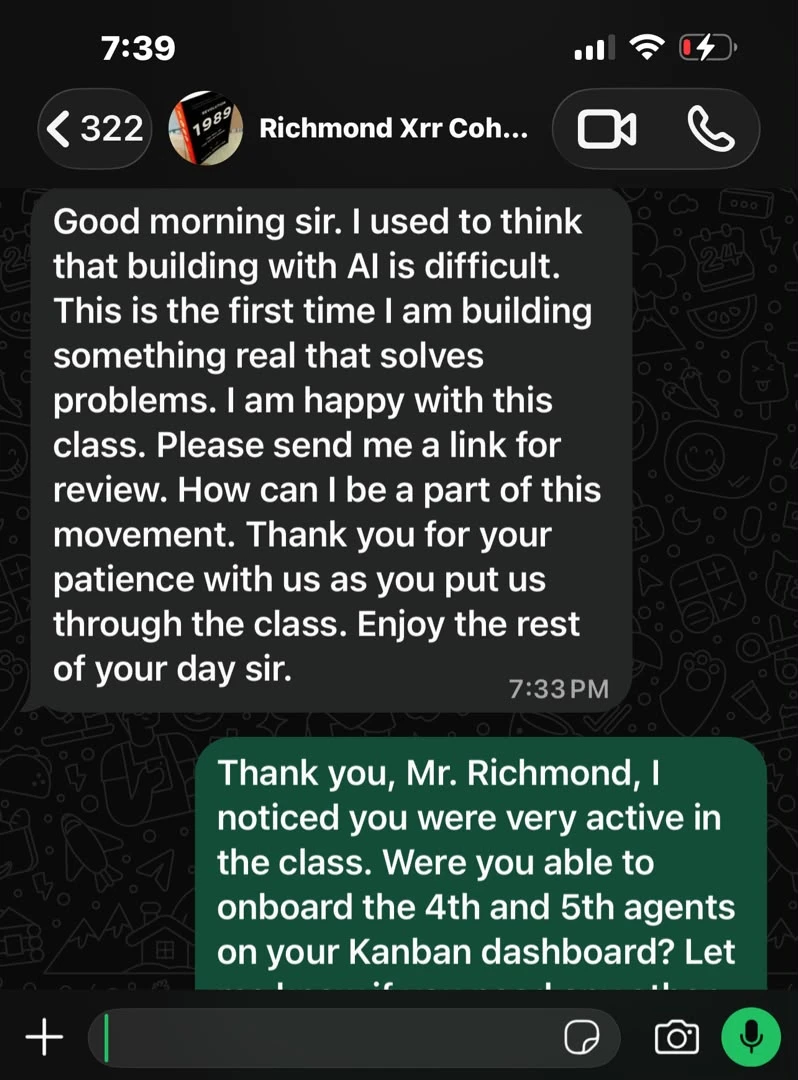
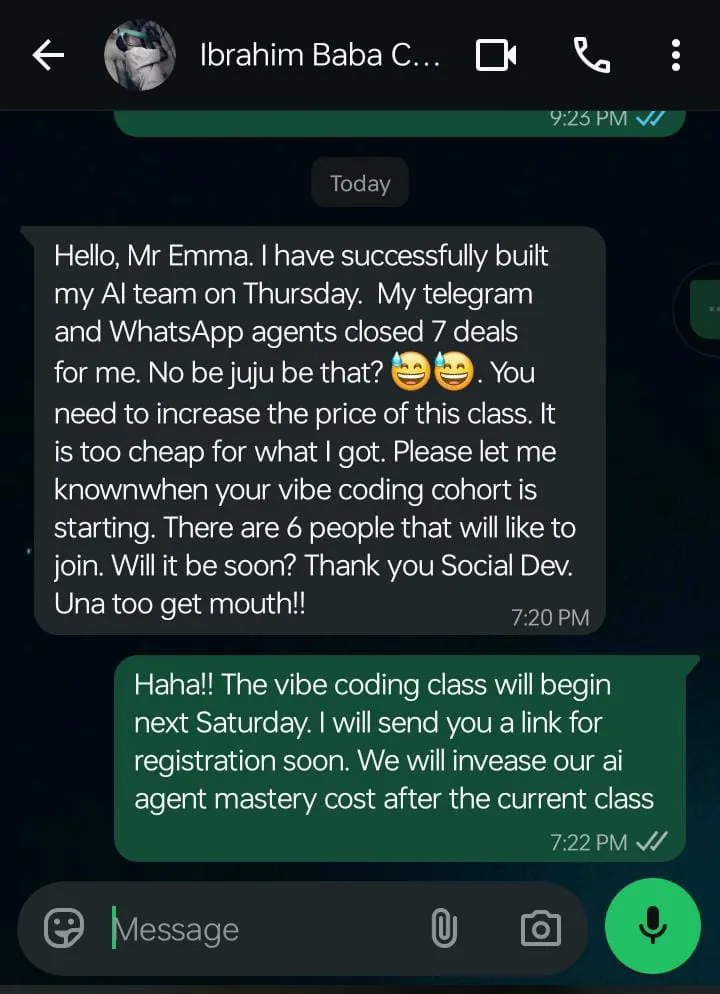
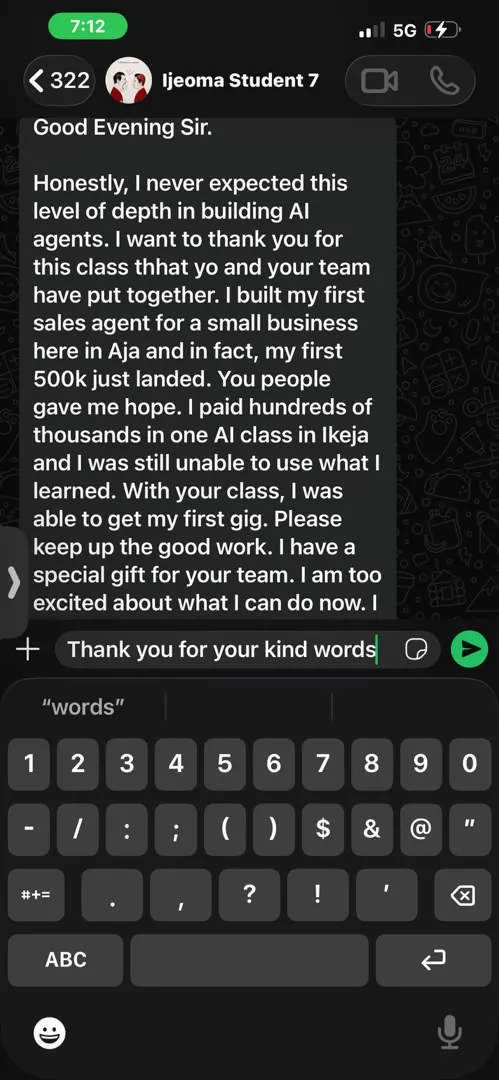
“I used to think that building with AI is difficult. This is the first time I am building something real that solves problems.”
What you'll build in the Vibe Coding Bootcamp
Six projects across 4 weeks and 8 live classes, from your first website to a product of your own.
See the Vibe Coding BootcampPersonal Portfolio Website
A professional responsive website showcasing your skills, projects, and experience.
Interactive To-Do App
Tasks, editing, deletion, completion, and real user interaction.
Expense Tracker
Recording expenses, categories, dates, and spending totals.
Student Management System
A real database-connected application using Supabase.
AI-Powered Application
An AI assistant, content tool, study assistant, or support prototype.
Your Own Product
Take an idea of your own and turn it into a working application.

Emmanuel A. Samuel
Web / AI Automation Engineer
Seven years as a web engineer, the last two of those spent building AI agents and connecting them to real tools, real customers, and real revenue, not just demos.
In January 2026, one of those agents took over the customer-messaging work of a 3-person team, without a single new hire to replace them.
How AI Agent Guides work
Each of the 25 builds follows the same three steps.
The prompt box in the guide
1Copy the prompt
Every build ships a clear, step-by-step guide with ready-to-use prompts. No blank page, just follow along and build.
The build running in Make
2Execute
Paste it into your AI tool and run what it builds, following the guide step by step.
The briefing email it sends
3Launch
Each session ends with a write-up prompt: LinkedIn post, resume bullets, project blurb.
Screenshots from the Daily News & Industry Summary Agent build. Select one to enlarge it.
Before you start
What you actually need, with no surprises after checkout
No prior coding experience required
Every build ships copy-paste-ready prompts. You're directing the AI, not writing code from scratch. Basic comfort with a browser and copy-paste is all you need to start.
No paid AI subscription needed
All you need is a free Gemini API key from Google AI Studio. The free tier is enough to complete every build. Nothing extra to pay for beyond your one-time course payment.
A few Builder 2 sessions need their own API key
A handful of advanced builds connect to a third-party service (Pinecone, HubSpot, DataForSEO) to do their job. Most have a free tier that's enough to complete the session. Each build tells you exactly what it needs before you start.
Prefer real classes over a self-paced library?
AI Agent Mastery and Vibe Coding Bootcamp are live cohorts on Zoom: walkthroughs, office hours and Q&A. Miss a class and the recording is added to your replays.
See the live cohorts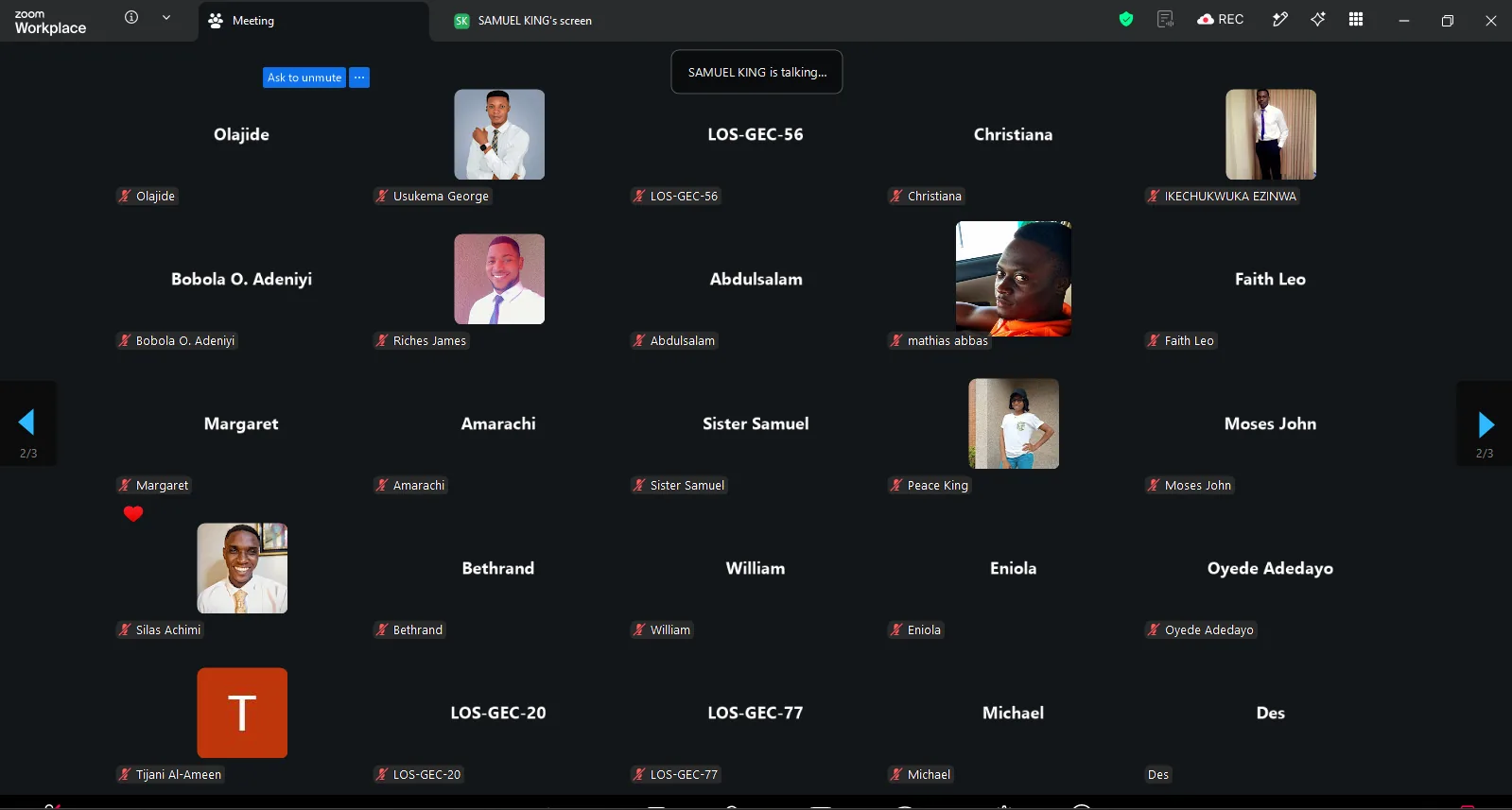
A live session on Zoom
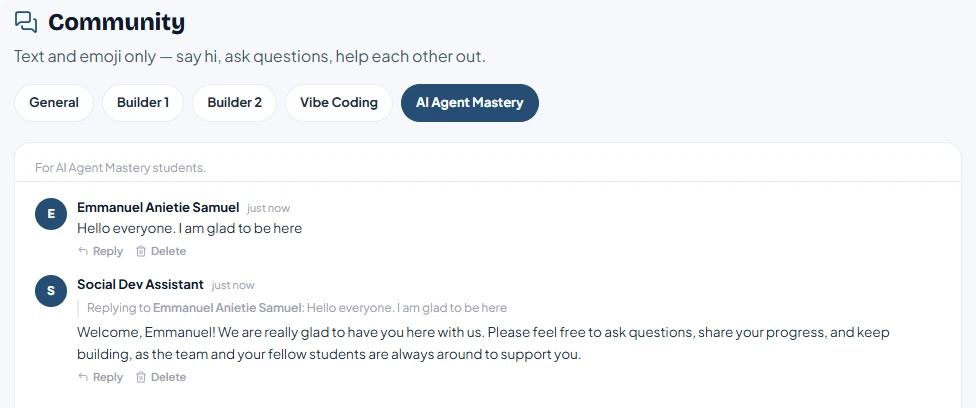
A room in the student community chat
Stuck on a build? Ask in the community chat.
Every student joins our community. Ask a question, share what you've built, and get an answer from other students or from us the same day.
Get startedBrowse by department
View allReady to start building?
AI Agent Mastery, AI Agent Guides, or Vibe Coding. Every program and price in one place.